From URL to
mental model.
Paste a link and Vizumi uses AI to build visual notes: sectioned Blueprints with diagrams, plus a connected Canvas that shows how the ideas fit together.
Knowledge Access Challenge
RAG loses meaning without chunk-level grounding.
Contextual Retrieval Method
Embeddings + BM25 improve relevance.
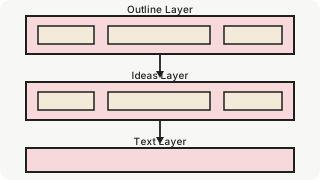
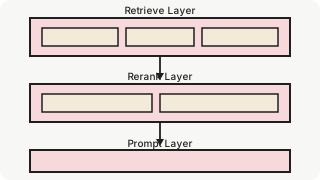
Reranking for Accuracy
Filter to top chunks after reranking.
Reading is
linear.
Understanding
isn't.
Most content hides the structure you actually need—flows, dependencies, tradeoffs. Vizumi reconstructs what you read into sections and visuals so you can see the shape of the ideas, not just the words.
The best way to understand complex ideas is to see how they connect.
Two ways to learn
the same source.
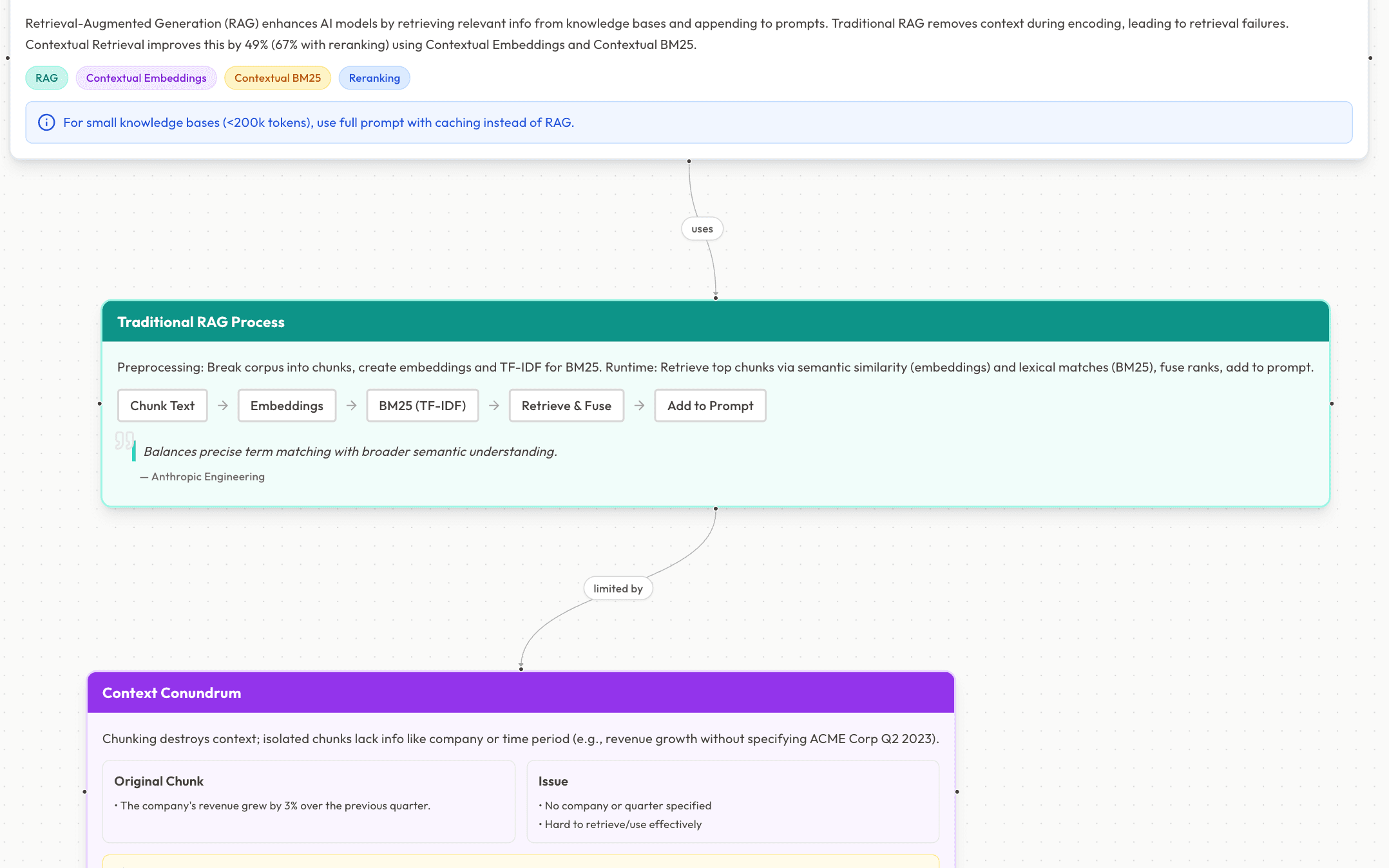
Blueprints
Deep Dive Notes
Diagram-backed section notes for focused learning. Each card presents a section's key points, definitions, and takeaways in a clean, scannable format.
- One clean card per section: key points, definitions, and takeaways
- Diagrams when they clarify (rendered via D2 → SVG)
- Great for review, study, and turning reading into explainable notes
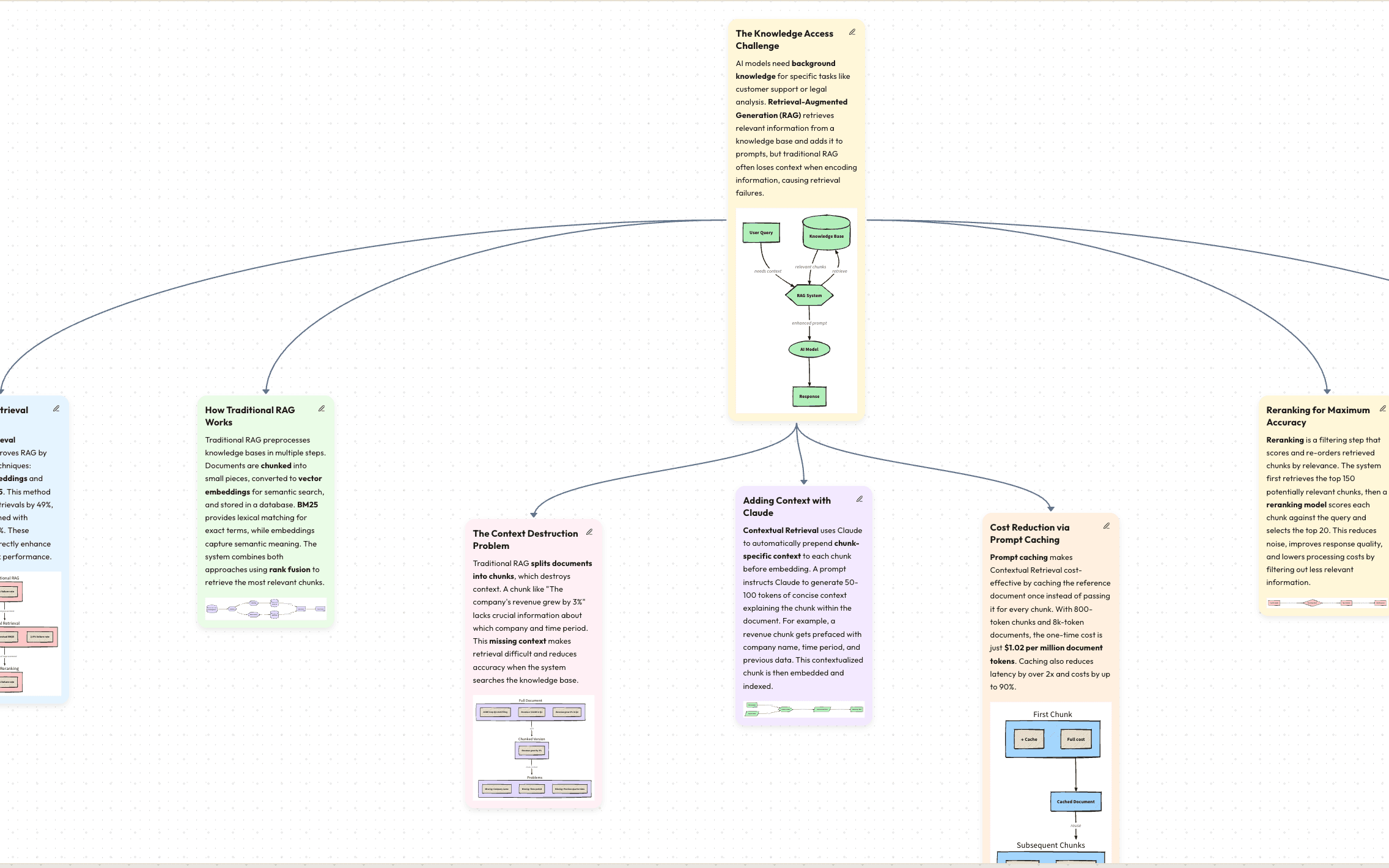
Canvas
Knowledge Graph
A connected map for big-picture clarity. Zoom out to orient, zoom in to learn. Connections show relationships, flow, and dependencies between concepts.
- Zoom out to orient, zoom in to learn
- Connections show relationships, flow, and dependency
- Best for systems topics where how it fits matters most
How it works
Paste a URL
Any article or documentation.
We split it
Extract and chunk into logical sections.
Generate Blueprints
AI writes notes & draws diagrams.
Explore Canvas
See the full connected map.
From URL to visual understanding in seconds.
Local-first
by default.
Your library stays on this device. Your data never leaves your control.
Saved locally
Notes are stored in your browser
BYOK optional
Add your OpenRouter key to use any model
Key handling
Stored locally; forwarded with requests; never stored on our servers

Built for content you
actually want to remember.
Automatic structure
Keeps context intact.
Visual explanations
Make complex ideas click.
Navigable map
Not just a summary.
Model choice
Speed/quality/cost via OpenRouter.
Zero setup
Starter models available.